



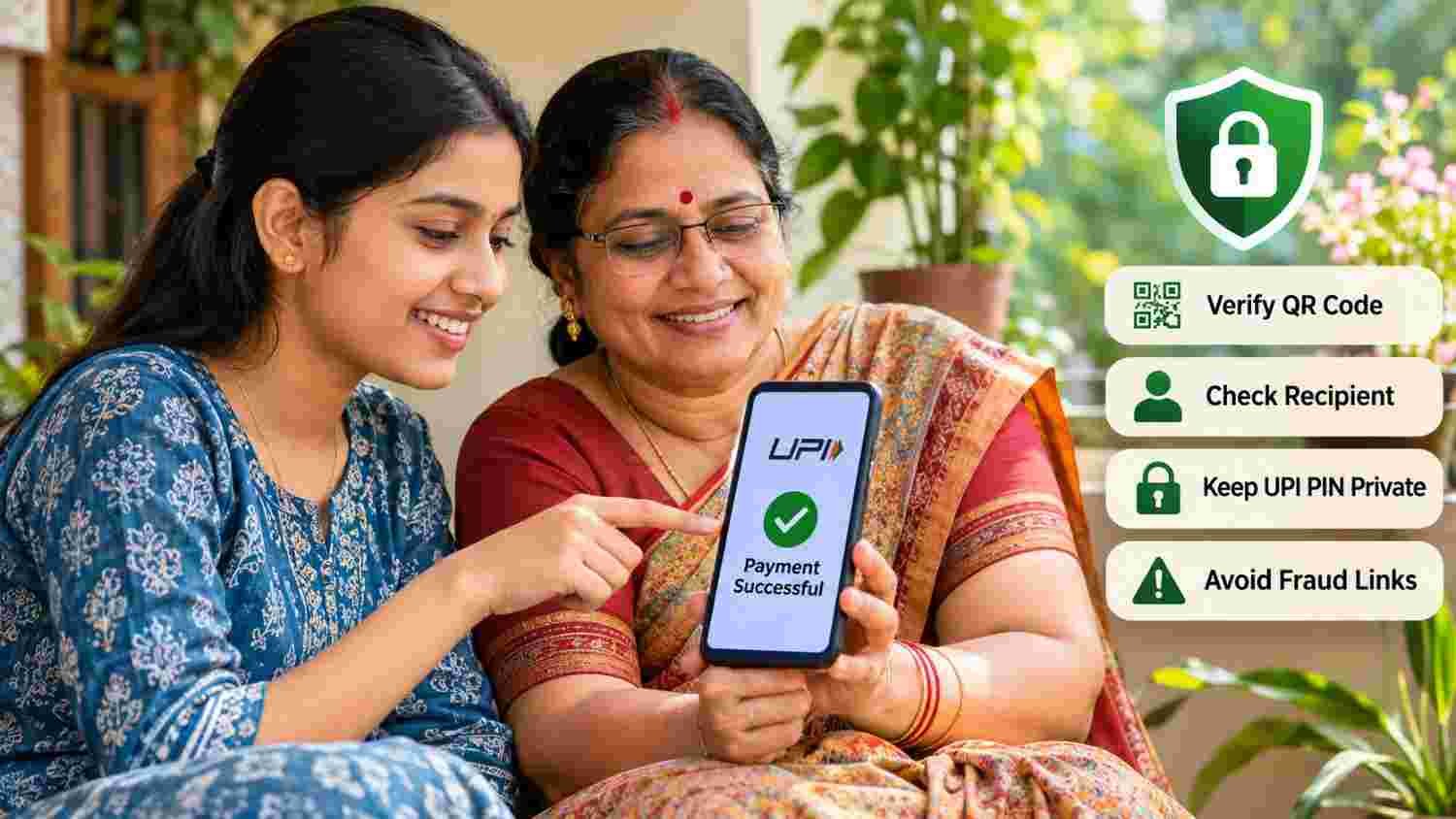
Published: November 13, 2026
Last Updated: November 13, 2026
Quick Answer: How Can You Use UPI Safely?
UPI safety tips for first-time users include never sharing your UPI PIN or OTP, checking the recipient's name and payment amount, and avoiding unknown QR codes or collect requests. Enter your UPI PIN only when you intend to authorise a payment. If you notice an unauthorised transaction, contact your bank immediately and report the financial cyber fraud through 1930.
Who should read this guide? This article is useful for first-time UPI users, senior citizens, students, rural households, and individuals who are new to digital banking. It is especially relevant when making QR-code payments, responding to collect requests, receiving money from unknown people, or handling suspicious payment messages. The guidance explains everyday precautions and what to do after suspected fraud.
UPI safety tips are important because digital payments have become part of everyday financial activity in India. The Unified Payments Interface (UPI) allows users to transfer money directly between bank accounts through supported payment applications. However, scammers may misuse this convenience through fake QR codes, fraudulent collect requests, phishing links, and impersonation.
A little attention before approving a transaction can help protect your bank account. Understanding how payment authorisation works is equally important, particularly for people who have recently started using UPI.
Key Takeaways
Never share your UPI PIN, OTP, or banking passwords.
Scanning a QR code and entering a UPI PIN authorises a payment, not receipt of money.
Check the recipient's name and amount before approving a transaction.
Do not approve unexpected collect requests.
Use only official banking and payment applications.
Report suspected unauthorised transactions to your bank immediately.
Call 1930 and use the National Cyber Crime Reporting Portal to report financial cyber fraud.
UPI Safety Tips: Understanding How UPI Payments Work
UPI stands for Unified Payments Interface. It is an instant payment system developed by the National Payments Corporation of India (NPCI), an RBI-regulated entity.
It allows users to transfer money between participating bank accounts using supported payment applications. Depending on the application and transaction, users can pay through a UPI ID, mobile number, QR code, or other supported payment method.
A UPI PIN is a personal identification number used to authorise transactions. According to NPCI, it is generally a 4–6 digit passcode created during UPI registration.
The most important distinction is that the UPI PIN authorises a debit from your account. Therefore, you should never enter it simply because someone claims they need it to send you money.
Why Are UPI Safety Tips Important for First-Time Users?
Digital payments are convenient, but fraudsters can exploit a user's unfamiliarity with payment features.
For example, someone may receive a message promising cashback after scanning a QR code. Another person may receive a payment request that appears to come from a known contact. A fraudulent caller may even pretend to be a bank representative.
These situations can be confusing for first-time users. Therefore, learning basic payment precautions helps people recognise suspicious requests before authorising a transaction.
Common UPI Payment Scams and How to Avoid Them
QR Code Scams
A fraudster may send a QR code claiming that scanning it will help you receive a refund, cashback, prize, or payment.
However, scanning a payment QR code and entering your UPI PIN authorises a payment. It does not help you receive money.
Never scan a QR code from an unknown person merely because they promise to transfer funds to your account.
Fake UPI Collect Requests
A collect request asks the recipient to approve a payment request. Scammers may send unexpected requests with messages such as "Approve to receive money."
Before approving any request, check who is asking for money, the amount, and the reason for the request. Reject any request that you did not expect or understand.
Fake Cashback and Reward Links
Some fraudulent messages promise rewards, refunds, or cashback through a link.
After opening the link, users may be asked to enter sensitive information, download an application, or authorise a transaction.
Use the official payment application's reward or cashback section to check genuine offers. Do not trust messages that create urgency or demand your UPI PIN to release a reward.
Fake Customer Care Numbers
Fraudsters sometimes publish fake customer-care numbers on websites, search results, and social media profiles.
When users call these numbers, they may be asked to share OTPs, install remote-access applications, or provide banking information.
Always obtain customer-support details from your bank's or payment application's official website or verified app.
Screen-Sharing and Remote-Access Scams
A scammer may ask you to install an application to fix a payment problem or complete a verification process.
Some remote-access or screen-sharing applications can expose information displayed on your phone. Never install unknown applications at someone's request, particularly while using a banking or payment application.
Fake KYC and Account-Blocking Messages
You may receive a message claiming that your bank account or UPI service will be blocked unless you update your KYC immediately.
Such messages may contain suspicious links or contact numbers intended to collect confidential information.
Do not respond through the link. Contact your bank using its verified official channel to check whether any action is actually required.
UPI Safety Tips for Secure Everyday Payments
1. Never Share Your UPI PIN
Your UPI PIN is confidential. Do not share it with friends, relatives, callers, shopkeepers, or anyone claiming to represent your bank.
A genuine bank representative or payment-app support agent does not need your UPI PIN to investigate a complaint.
2. Check the Recipient Before Paying
Before entering your UPI PIN, verify the displayed recipient or merchant name and the amount.
If the details are different from what you expected, cancel the transaction and confirm the payment information separately.
3. Understand QR Code Payments
Scan a QR code only when you intend to pay the displayed recipient.
Do not scan unknown QR codes to receive cashback, refunds, gifts, or money. Never enter your UPI PIN to complete a supposed incoming payment.
4. Avoid Unknown Links
Do not open payment links received through unfamiliar SMS messages, social media accounts, or messaging groups.
Instead, open your registered payment application directly and check your transaction history or available notifications.
5. Use Official Applications
Download payment applications only from trusted official app stores or verified sources provided by the relevant financial institution.
Keep your device operating system and payment applications updated.
6. Set a Screen Lock
Use a strong screen lock, such as a PIN, password, or biometric authentication supported by your device.
Avoid storing your banking PIN or passwords in easily accessible notes, messages, or screenshots.
7. Check Transaction Notifications
Keep bank SMS and email alerts enabled where available. Review transaction notifications and account statements regularly.
Report unfamiliar debits to your bank without delay.
8. Avoid Banking on Unsecured Networks
Avoid carrying out sensitive financial transactions over public or unsecured Wi-Fi networks. Use a trusted internet connection and protect your device from unknown applications.
UPI Payment Safety Checklist Before Every Transaction
Use this simple checklist before confirming a UPI transaction.
Following these basic UPI safety tips can help users identify suspicious requests before money leaves their bank account.
What to Do After UPI Payment Fraud
If you notice an unauthorised payment or suspect that someone has accessed your account, act immediately.
Step 1: Contact Your Bank Immediately
Use your bank's official customer-support number or banking application to report the transaction. Request the appropriate steps to protect your account and prevent further unauthorised debits.
Keep the complaint reference number.
Step 2: Report the Financial Cyber Fraud on 1930
Call the National Cyber Crime Helpline at 1930 as soon as possible.
You can also report the incident through the official National Cyber Crime Reporting Portal.
Step 3: Submit Transaction Details
Keep the following information ready:
Transaction reference or UTR number
Transaction date and time
Amount debited
Bank and UPI application details
Relevant messages, screenshots, or suspicious links
Complaint acknowledgement from your bank, if available
Provide the information requested through official reporting channels.
Step 4: Raise a Complaint Through Your UPI Application
Open the transaction history in your payment application and use its complaint or help option, where available.
NPCI's UPI guidance also provides for raising transaction-related complaints through participating banks' UPI applications.
Step 5: Preserve Evidence and Follow Up
Keep copies of complaint acknowledgements, transaction details, and communication with your bank.
Do not delete relevant messages or share additional confidential information with people who contact you claiming they can recover the money.
Reporting quickly is important, but recovery of lost money is not guaranteed. The outcome depends on the transaction, investigation, applicable rules, and the circumstances of the case.
What Protection Does RBI Provide for Unauthorised Digital Transactions?
The Reserve Bank of India has issued customer-protection rules for unauthorised electronic banking transactions.
The extent of a customer's liability depends on the circumstances, including whether the loss resulted from the bank's negligence, a third-party breach, or the customer's own negligence.
Under applicable RBI directions, a customer may receive zero liability in certain cases of bank negligence or eligible third-party breaches reported within the prescribed period. However, where a customer shares payment credentials, the customer may bear the loss until the unauthorised transaction is reported.
Therefore, report suspicious transactions to your bank immediately. Do not assume that every fraudulent transaction automatically qualifies for a refund.
Read the RBI's guidance on customer liability for unauthorised electronic banking transactions for the applicable conditions.
How Can Families and Senior Citizens Practise Safer Digital Payments?
Digital payment safety should be a shared household responsibility, especially when family members are learning to use UPI for the first time.
Parents, children, and caregivers can follow these practices:
Explain that a UPI PIN is used to authorise a payment, not to receive money.
Help first-time users recognise unfamiliar collect requests.
Save verified bank and payment-app support details.
Avoid sharing OTPs or PINs over phone calls.
Review transaction notifications together when needed.
Encourage users to ask a trusted person before acting on suspicious payment instructions.
For senior citizens and first-time digital banking users, understanding a few basic precautions can make everyday transactions more confident and secure.
How Sukham Microfinance Encourages Financial Awareness
Financial inclusion involves more than access to financial services. People also need to understand how to use digital payment facilities responsibly and recognise common financial risks.
Sukham Microfinance focuses on providing accessible financial solutions and supporting financial awareness among individuals and communities.
You can learn more about Sukham Microfinance and its approach to financial inclusion. For questions about its financial services or available support, visit the official Contact Us page.
Conclusion
Following simple UPI safety tips can help protect your money during everyday digital transactions. Always verify the recipient, check the amount, avoid unfamiliar QR codes, and never share your UPI PIN or OTP.
If a suspicious transaction occurs, contact your bank immediately, report the financial cyber fraud through 1930, and preserve all relevant transaction evidence.
Digital payments can make everyday banking more convenient, but responsible use and awareness are essential. Take a moment to verify every payment before authorising it.
Latest Blogs
You may also find these articles helpful:
Joint Liability Group Loan in India: Meaning, Process and Member Responsibilities
Managing Seasonal Business Cycles: How a Business Loan Can Help Your Growth Strategy
How to Check Your CIBIL Score and Correct Errors in Your Credit Report
How to Identify Fake Loan Apps and Digital Lending Scams in India
Business Emergency Fund: How Small Businesses Can Prepare for Unexpected Expenses